Keep Web Help Desk Data.
Make What Comes Next Easier.
Keep historical Web Help Desk tickets, requests, assets, clients, technicians, notes, relationships, and attachments accessible after you move away from the original system.
- Tickets + Assets
- Relationships + Attachments
- No legacy application required
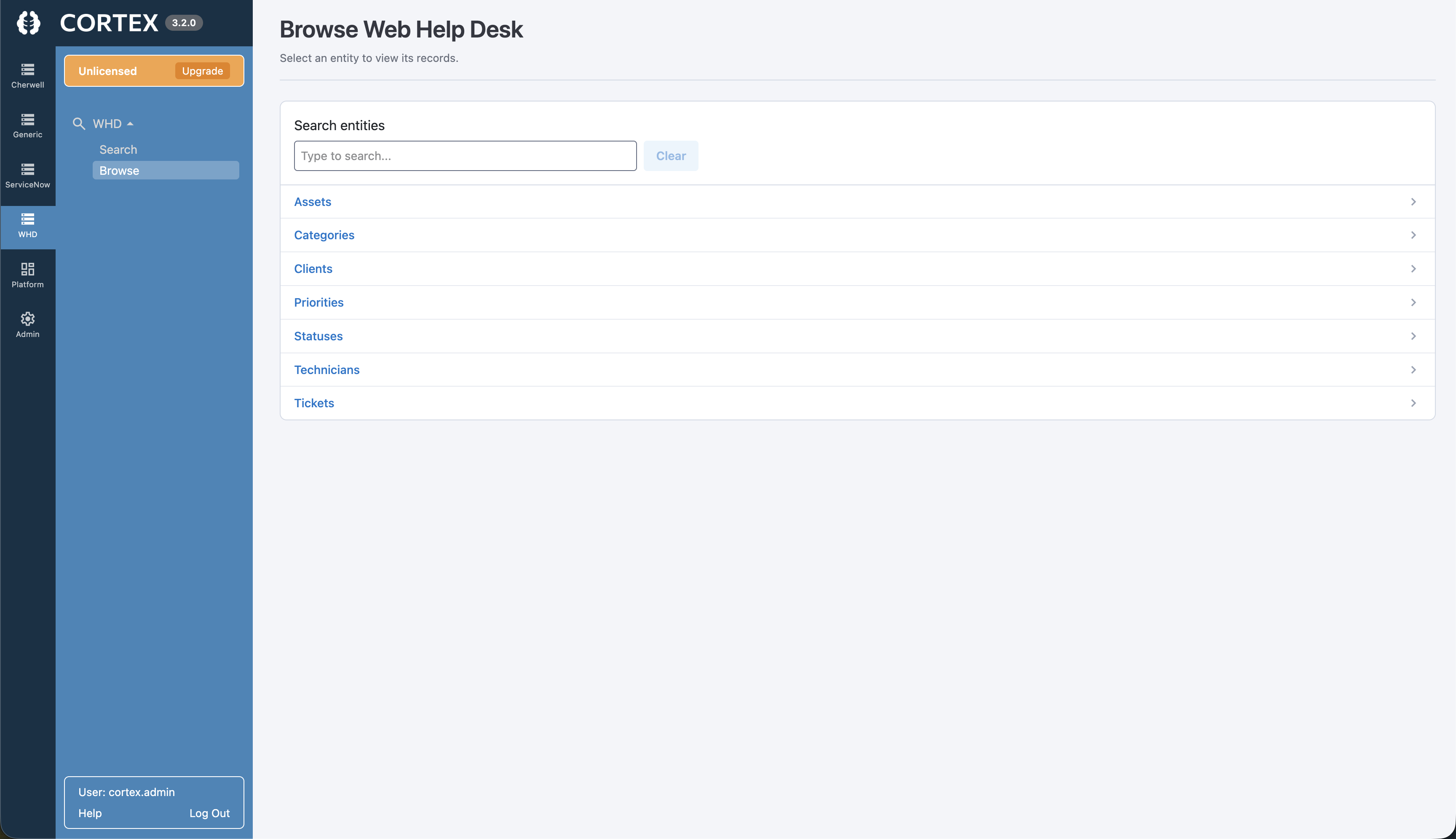
Why Choose Cortex Archive for Web Help Desk?
Preserve the service history and context your Web Help Desk environment contains without maintaining the original application solely for historical access.
Ticket History Preserved
Keep historical tickets, requests, notes, status changes, and service activity available for future reference.
Assets + Clients Stay Connected
Retain the asset, client, and related service information that gives historical tickets their context.
Technician + Assignment Context
Preserve technician, assignment, category, priority, and other record details used to understand how work was handled.
Relationships Stay Navigable
Follow connections between archived records instead of reconstructing context from disconnected exports.
Attachments Stay With Records
Keep available files and attachments associated with the historical records they belong to.
Read-Only Historical Access
Give users access to retained Web Help Desk data without turning the archive into an editable production system.
Search and Navigate Historical Web Help Desk Data With Ease
Your team shouldn't need database knowledge—or a scavenger hunt through exports—to find an old Web Help Desk record.
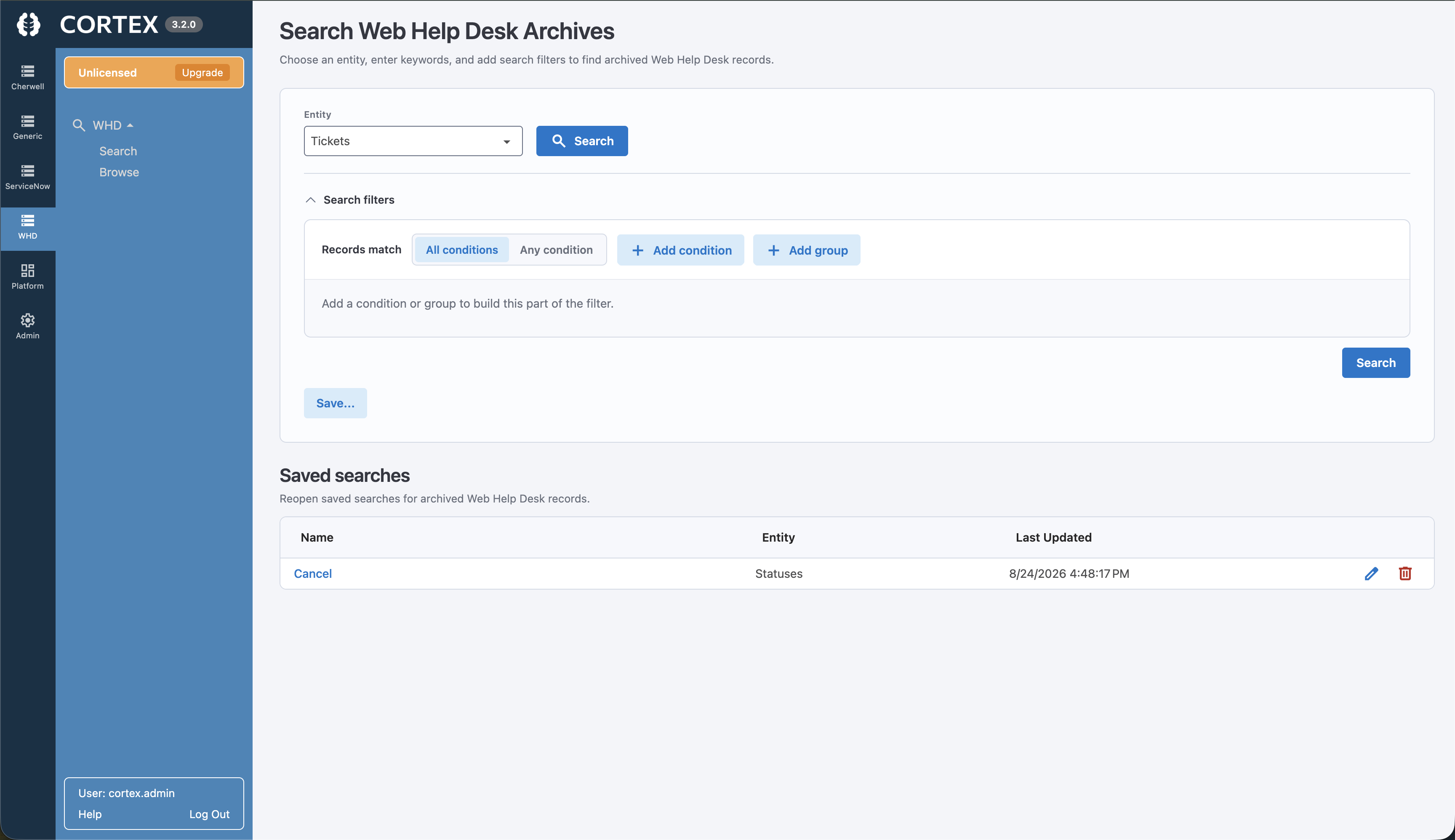
- Run full-text searches across historical records
- Filter using familiar Web Help Desk fields
- Open complete ticket and request details
- Find assets, clients, and technician records
- Follow relationships between connected records
- View notes and associated attachments
Keep Web Help Desk History—Without Keeping Web Help Desk Running
Maintaining Web Help Desk solely for occasional historical lookups adds cost and administration. Cortex provides a separate, read-only experience for retained service data.
Keeping Web Help Desk Running
- Maintains application infrastructure and administration
- Keeps history tied to the old environment
- Requires the legacy application for occasional lookup
- Uses resources that could support the replacement platform
Cortex Archive
- Built for ongoing historical access
- Connects to retained Web Help Desk data
- Keeps tickets, assets, relationships, and attachments accessible
- Lets the replacement platform stay focused on active work
Web Help Desk Data Archiving FAQs
Can we access Web Help Desk data after moving to another service desk?
Yes. Cortex Archive provides read-only access to retained Web Help Desk records so historical service information remains available after the original system is retired.
What Web Help Desk information can Cortex Archive preserve?
Cortex Archive can retain historical Web Help Desk records such as tickets, requests, assets, clients, technicians, fields, relationships, notes, and available attachments contained in the archived data.
Do we need to keep Web Help Desk running to access archived records?
No. Cortex Archive is designed to provide historical access without requiring Web Help Desk to remain available solely for record lookup.
Can users search archived Web Help Desk records?
Yes. Users can search and filter historical records through Cortex Archive rather than relying on database dumps, spreadsheets, or other raw exports.
Can Cortex preserve relationships and attachments?
Cortex Archive is designed to retain the context around historical records, including relationships and associated attachments available in the archived data.
Is archived Web Help Desk data editable?
No. Cortex Archive provides read-only historical access to help preserve the integrity of retained records.
Ready to Retire Web Help Desk—But Not Your Data?
Keep historical Web Help Desk records searchable, accessible, and useful after you move to your next service platform.